
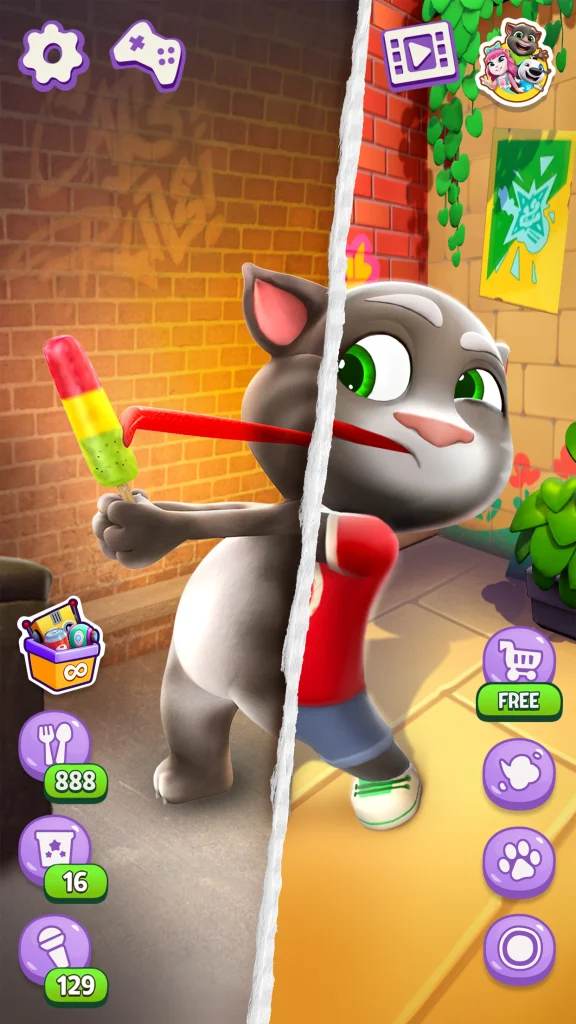
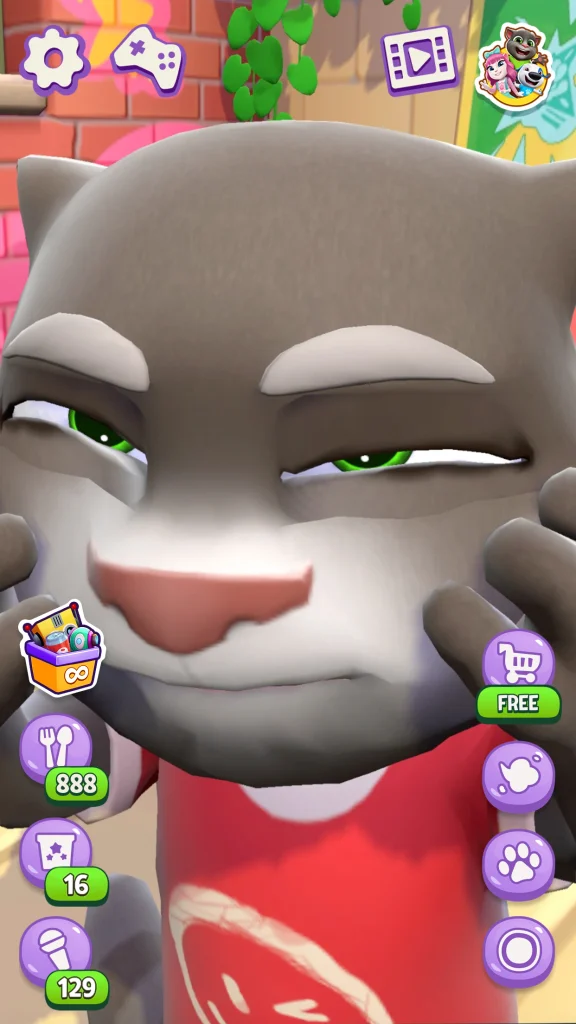
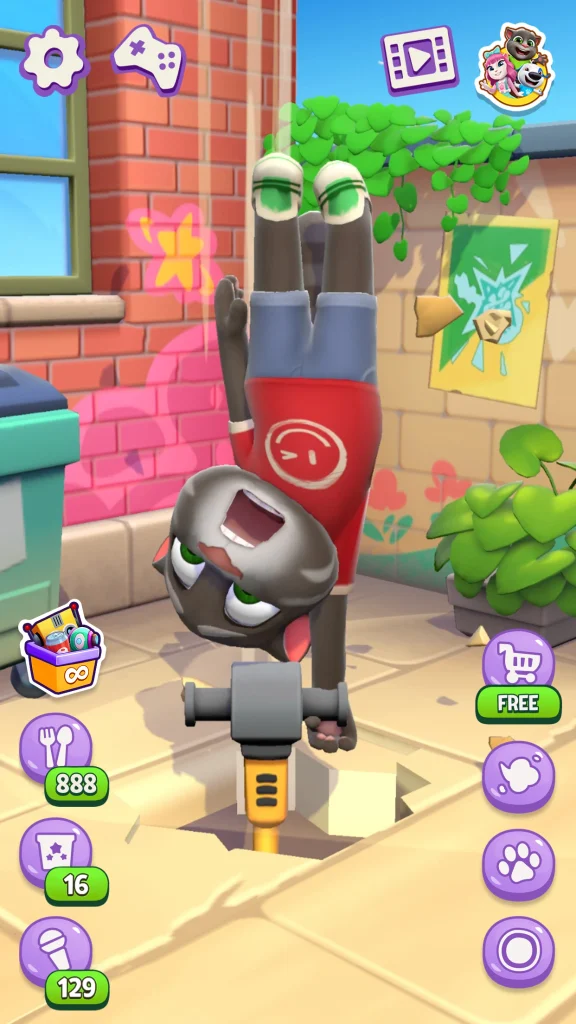

Have you ever spoken to a cartoon cat and heard your own words repeated back in a funny voice? That simple interaction is what makes the Talking Tom Cat Game entertaining. Instead of following a complicated storyline or completing difficult missions, players interact with a playful virtual pet that reacts to their actions. A quick conversation can turn into a funny moment, making the game suitable for short entertainment sessions.
Created by Outfit7, Talking Tom Cat became widely recognised for its voice imitation feature and expressive cartoon character. The experience focuses on interaction rather than competition. Players can talk to Tom, tap different parts of his body and watch how he responds. Its straightforward controls make it accessible to younger players while offering a lighthearted break for anyone who enjoys casual mobile games.
Meet Tom, the Cat That Repeats Your Words
The main attraction is Tom’s ability to listen to a player’s voice and repeat the words in his distinctive high-pitched tone. Speak into the device microphone and wait for his response. Even an ordinary sentence can sound amusing when repeated by a cartoon cat with exaggerated expressions.
Tom also reacts to physical interactions on the screen. Players can tap him, stroke his body or trigger different animations depending on the available version. These small reactions give the character a sense of personality without requiring players to learn complicated controls.
The appeal comes from the freedom to experiment. Someone might ask Tom a question, sing a short tune or simply say something unexpected to hear his response. There is no need to follow a fixed sequence of activities, so each interaction can be different.
Activities That Make the Game Entertaining
Although voice repetition is its signature feature, Talking Tom offers several ways to interact with the character. The exact activities can depend on the app version and device.
Talk and Listen to Tom
Voice interaction is the central activity. Players can speak naturally and hear Tom repeat their words. Trying different tones, short sentences and funny sounds can make the interaction more entertaining. The microphone permission is necessary for this feature to work, although players can still explore other available interactions without using voice input.
Trigger Funny Character Reactions
Tom responds to screen taps and gestures with different facial expressions and animations. Players can experiment with different areas of the character to discover how he reacts. These responses add variety without introducing difficult gameplay rules.
Explore Additional Interactions
Some versions or related Talking Tom applications offer extra activities, character customisation or mini-games. These features should not be assumed to exist in every release of the original app. Checking the current app listing is the best way to understand which activities are included in the version available for a particular device.
How to Start Playing Talking Tom Cat
Getting started is simple, even for someone who has never played a virtual pet game before. The basic experience does not require advanced gaming knowledge or a long tutorial.
- Find the official app: Search for Talking Tom Cat through Google Play or the Apple App Store.
- Check compatibility: Review the app’s supported operating system and device requirements before installing it.
- Open the game: Launch the application and allow the required permissions if you want to use voice interaction.
- Speak to Tom: Say a short sentence near your device microphone and listen to his response.
- Try different actions: Tap the character and explore the available animations and interactive features.
For the best voice response, keep the microphone unobstructed and avoid speaking too far away from the device. Background noise can also affect how clearly the application captures speech.
Why Players Enjoy This Virtual Pet Game
Talking Tom has a different appeal from games built around racing, combat or high-score challenges. Its entertainment comes from simple interactions that do not demand constant attention.
One advantage is its accessibility. The basic controls are easy to understand, so new players can start interacting with Tom almost immediately. There is no need to memorise complex combinations or understand detailed game mechanics.
It can also provide a playful social activity. Friends or family members can take turns speaking to Tom and creating amusing sentences for him to repeat. Younger children may particularly enjoy the character’s animated responses, although parents should consider age suitability and supervise app usage.
Another appealing aspect is the short-session format. Players can open the app for a few minutes, interact with Tom and leave without worrying about losing progress in a lengthy mission.
Is Talking Tom Cat Safe for Children?
Parents should review the app’s current age rating, privacy information and available permissions before allowing children to play. The original experience is designed around cartoon character interactions, but the wider app environment may include advertisements, optional purchases or links to other applications depending on the release and region.
Microphone access deserves particular attention. Since voice repetition requires audio input, parents should understand when the application uses the microphone and review its permission settings. Children should also be encouraged not to share personal details, names, addresses or other private information through voice interactions.
A few practical precautions can make the experience easier to manage:
- Download the application from an official app store rather than an unfamiliar website.
- Review in-app purchase settings before handing the device to a child.
- Check advertising and privacy controls.
- Use appropriate parental controls where available.
- Set reasonable daily screen-time limits.
These checks help parents make an informed decision rather than assuming every version has identical features or privacy settings.
Talking Tom Cat vs Other Talking Tom Games
The Talking Tom collection includes several experiences featuring the same familiar character, but they do not all offer the same type of gameplay.
The original Talking Tom Cat focuses mainly on voice imitation and direct character interaction. Players who want a simple virtual pet experience may find this format more suitable.
Talking Tom Gold Run takes a different direction by introducing endless running gameplay, obstacles and collectible rewards. It is better suited to players who prefer movement and action.
My Talking Tom places greater emphasis on caring for a virtual pet. Feeding, dressing and looking after the character form a larger part of the experience.
Talking Tom Friends brings multiple characters into the same environment, creating opportunities for different interactions and activities.
Choosing between these games depends on what the player wants. Someone looking for quick laughs may prefer the original cat interaction, while players who enjoy progression, collection or pet-care activities may prefer one of the other titles. You can also download Bioskop Simulator APK.
A Simple Game Built Around Everyday Fun
Talking Tom Cat shows how a small interactive idea can create an entertaining mobile experience. Its voice-repeating feature, expressive animations and easy controls make it different from games that depend on levels, competition or complicated objectives. Players who want a quick laugh or a simple virtual companion can enjoy its straightforward approach.
Before downloading, check the official listing to confirm that you are choosing the intended version and understand its permissions and additional features.


